Custom CRM vs Off-the-Shelf CRM: What Should Service Businesses Choose?
Both can work. The right answer depends on how unusual your workflow is, who owns your data, and how far your automation needs to reach — here is how to decide without overpaying for either.
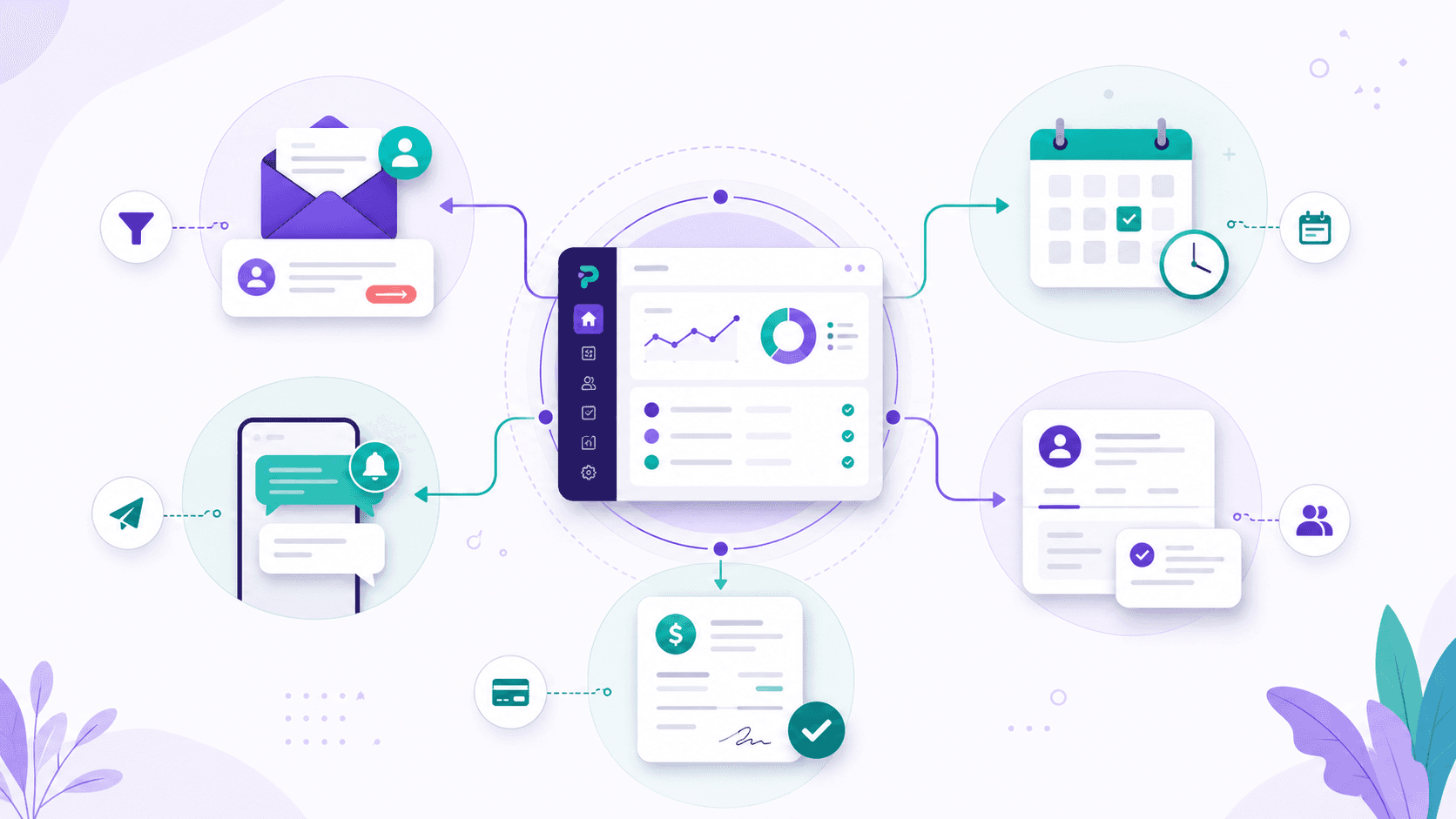
Almost every service business reaches a point where spreadsheets and a shared inbox stop holding the operation together. The usual next question is which CRM to adopt — but the better question is whether to rent a ready-made one or build something around how you actually work. Neither answer is automatically right. An off-the-shelf CRM is often the smart, cheap, fast choice; a custom CRM earns its keep only when the off-the-shelf fit is genuinely poor. This guide lays out where each one wins so you can decide on evidence rather than on a sales pitch.
When off-the-shelf is the smart choice
A packaged CRM is built from the lessons of thousands of businesses, and most of those lessons probably apply to you too. If your process looks like a fairly standard pipeline — leads come in, you qualify, you quote, you close, you follow up — a mature product will cover the majority of what you need on day one, at a predictable monthly price. You also get something a small custom project rarely matches: a roadmap, support, security updates, and integrations that someone else maintains for you.
Start here by default
If you are not sure which way to go, start with an off-the-shelf CRM and use it honestly for a few months. The friction you feel — the fields you ignore, the steps you do outside the tool, the reports you rebuild by hand — is the real specification for whether you ever need something custom.
When a custom CRM pays off
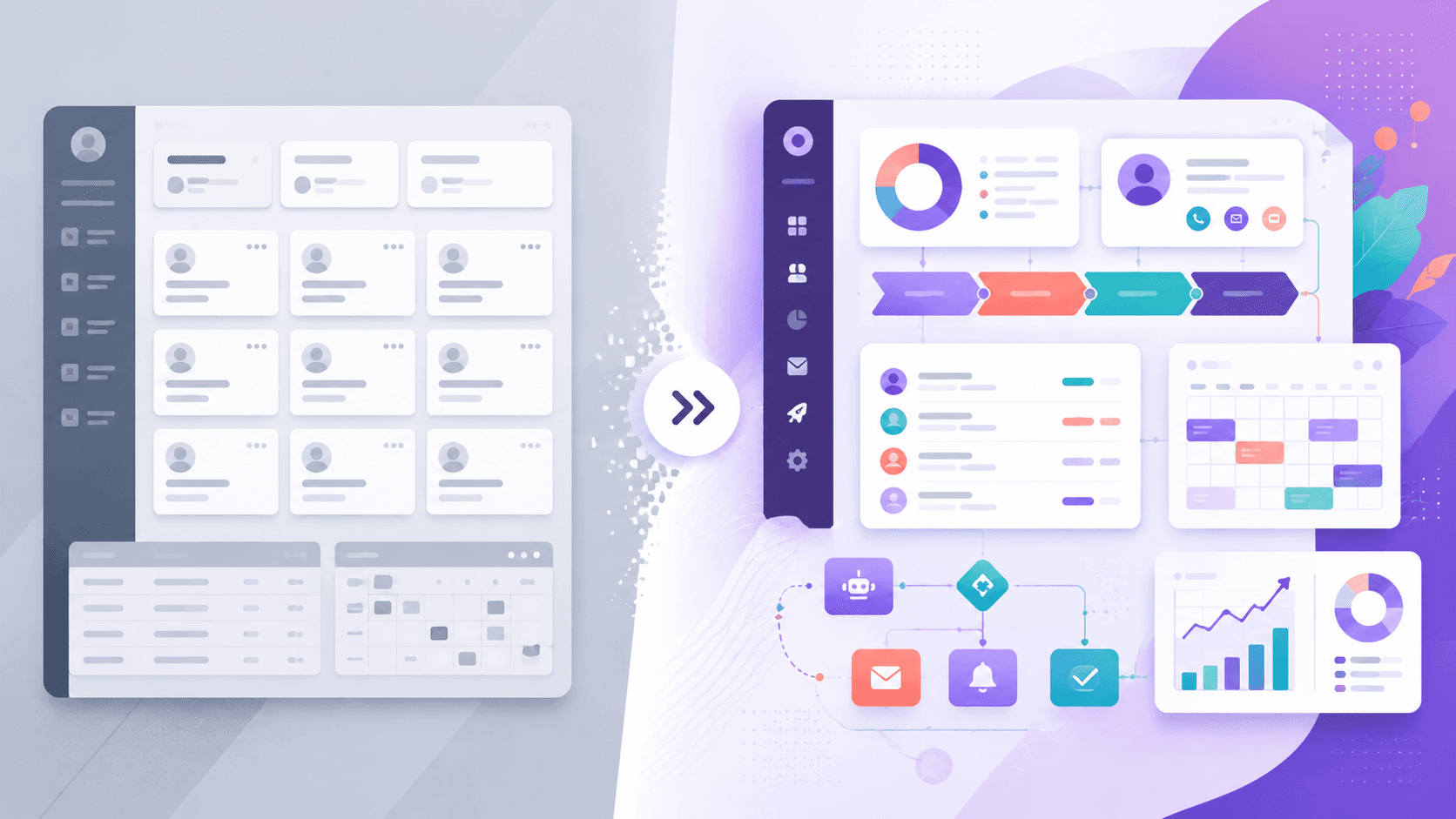
A custom CRM is not about having more features — it is about having the exact shape your business runs on, with nothing in the way. It becomes the right call when the off-the-shelf tool forces your team to work around it: when you maintain side spreadsheets to track the things the CRM can't, when half your fields are blank because they don't fit your service, or when the automation you need lives in the gap between two products that won't talk to each other. At that point the monthly subscription is cheap, but the daily workaround tax is not.
Forcing the business into the tool
- Side spreadsheets for what the CRM can't hold
- Fields you ignore and stages that don't match reality
- Automation stuck between tools that won't connect
- Reports rebuilt by hand every month
Fitting the tool to the business
- One record that matches your actual job flow
- Only the fields and stages your team really uses
- Automation built into the workflow, end to end
- The numbers you care about, ready on demand
The four things to compare honestly
The decision usually comes down to four dimensions. Score your business on each one — the more you lean to the right, the stronger the case for custom.
| Dimension | Off-the-shelf fits when… | Custom fits when… |
|---|---|---|
| Cost | A predictable monthly fee is easier to absorb than an upfront build. | Per-seat fees and workaround hours already outweigh a one-time build. |
| Fit | Your process resembles a fairly standard sales pipeline. | Your workflow is unusual and you keep bending the tool to match it. |
| Data ownership | Standard export options are enough for your needs. | You want full control over where data lives and how it's structured. |
| Automation depth | Built-in rules and a marketplace cover most of your automations. | You need logic that spans channels, calendars, and your own systems. |
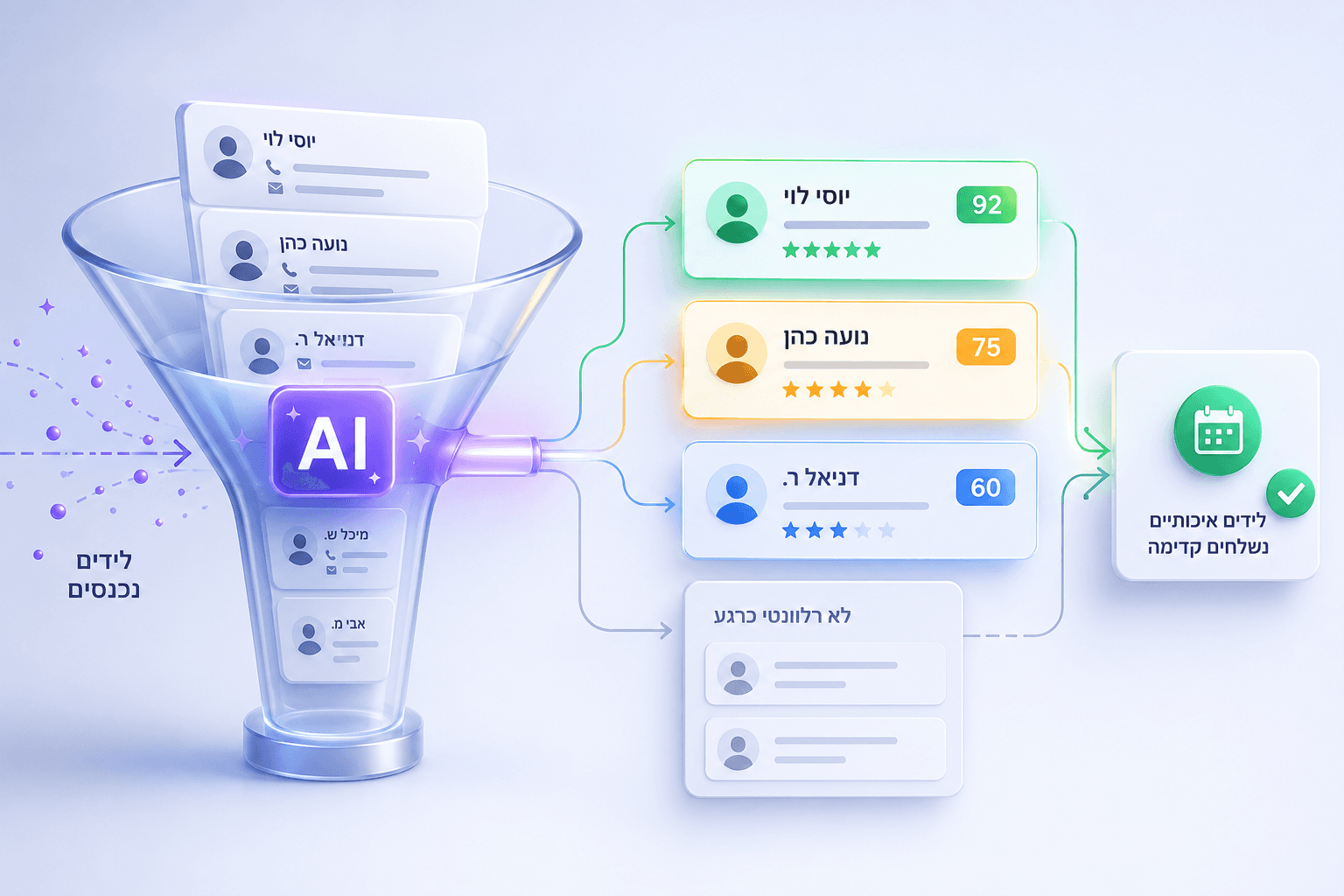
Automation depth is where the difference shows up most clearly. A packaged tool can usually fire a templated email or move a card; a CRM built around your workflow can run a real conversation across the channel your customers actually use, decide what to do next, and act on it inside your own system.
A pragmatic path either way
- 1
Map the workflow you actually run
Write down every stage a lead and a client move through, including the steps you do outside any tool today.
- 2
Try off-the-shelf against that map
Adopt a standard CRM and use it for real. Note precisely where it fits and where you find yourself working around it.
- 3
Cost the friction, not the features
Add up the hours lost to manual steps and missed follow-ups. That number tells you whether a custom build is worth it.
- 4
Build only the parts that matter
If you go custom, start with the one workflow that costs you the most — own the data and the automation there first, then expand.
Don't overlook data ownership
Your customer list and history are among your most valuable assets. With an off-the-shelf tool, confirm you can export everything cleanly and that you understand where the data is stored. With a custom CRM, that ownership is the default — the records sit in a database you control.
The honest summary: most businesses should start off-the-shelf, and many should stay there for years. You move to custom when the gap between how the tool works and how you work becomes the thing slowing you down — not because custom sounds more impressive. Choose the option that lets your team spend less time managing the CRM and more time serving customers.
Not sure which side of the line you're on?
We'll map your real workflow, show you where an off-the-shelf CRM stops fitting, and tell you honestly whether a custom build is worth it for your business.
Book a consultation