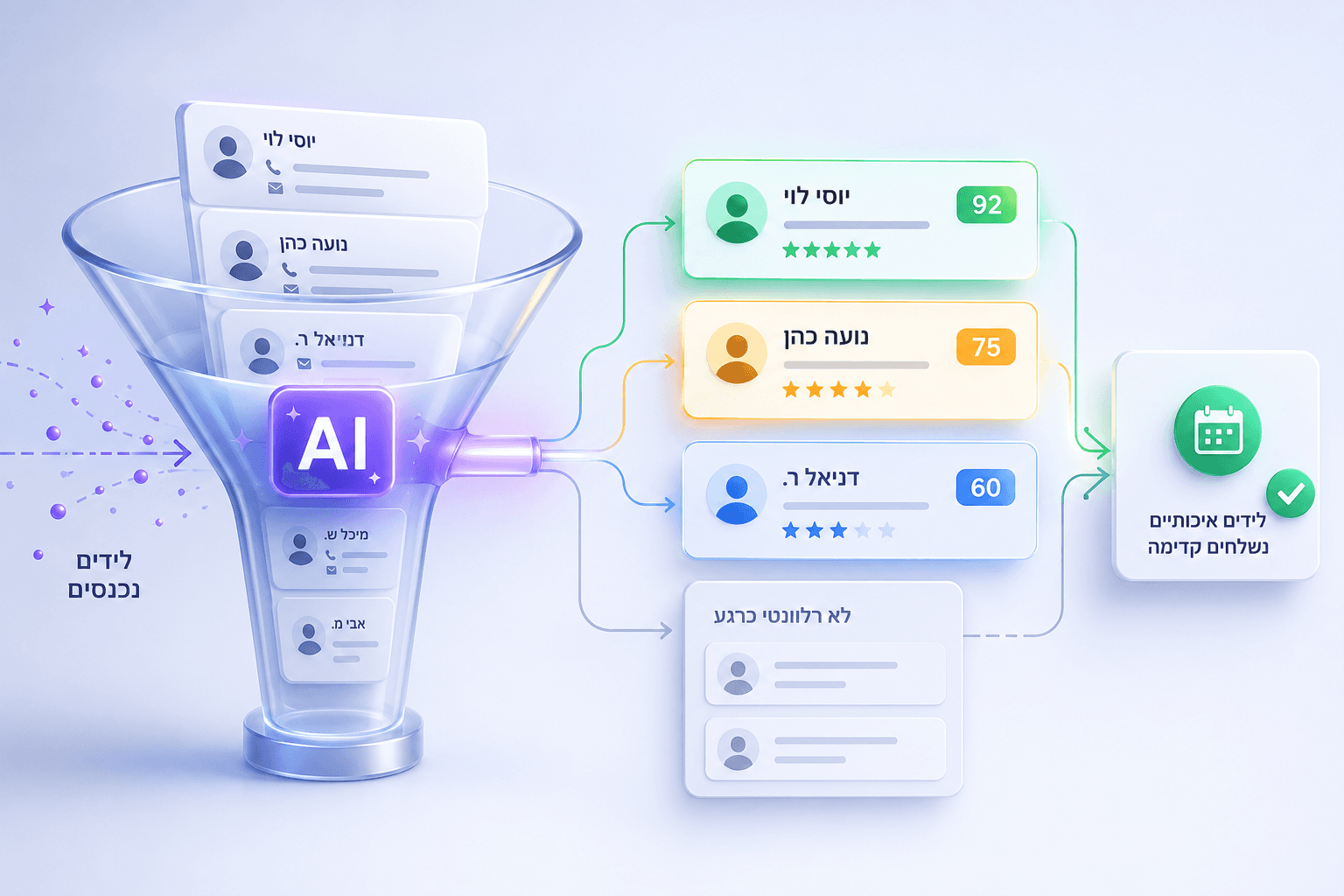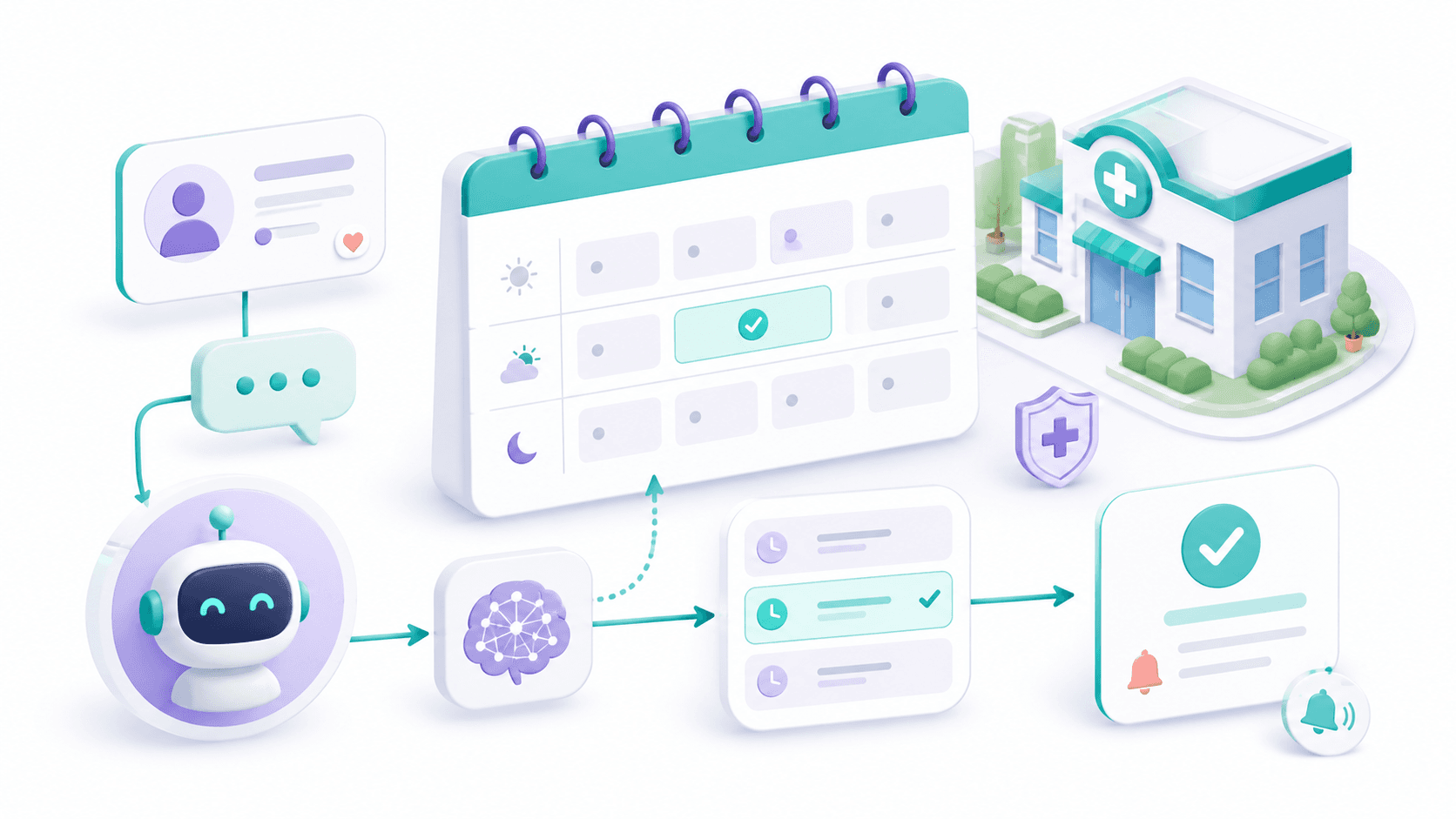
How a WhatsApp AI Agent Converts Leads Into Booked Meetings
From the moment a form is submitted to a meeting on the calendar, here is the exact path a WhatsApp agent runs — and why answering in seconds changes the outcome.
A lead fills out a form at 9:40 in the evening. By 9:41, they've already opened two competitors' sites and messaged one of them. The deal isn't lost because your offer was weaker — it's lost because someone else replied first. For most service businesses, the gap between an inbound lead and a booked meeting is measured in hours or days, and that gap is exactly where revenue leaks out.
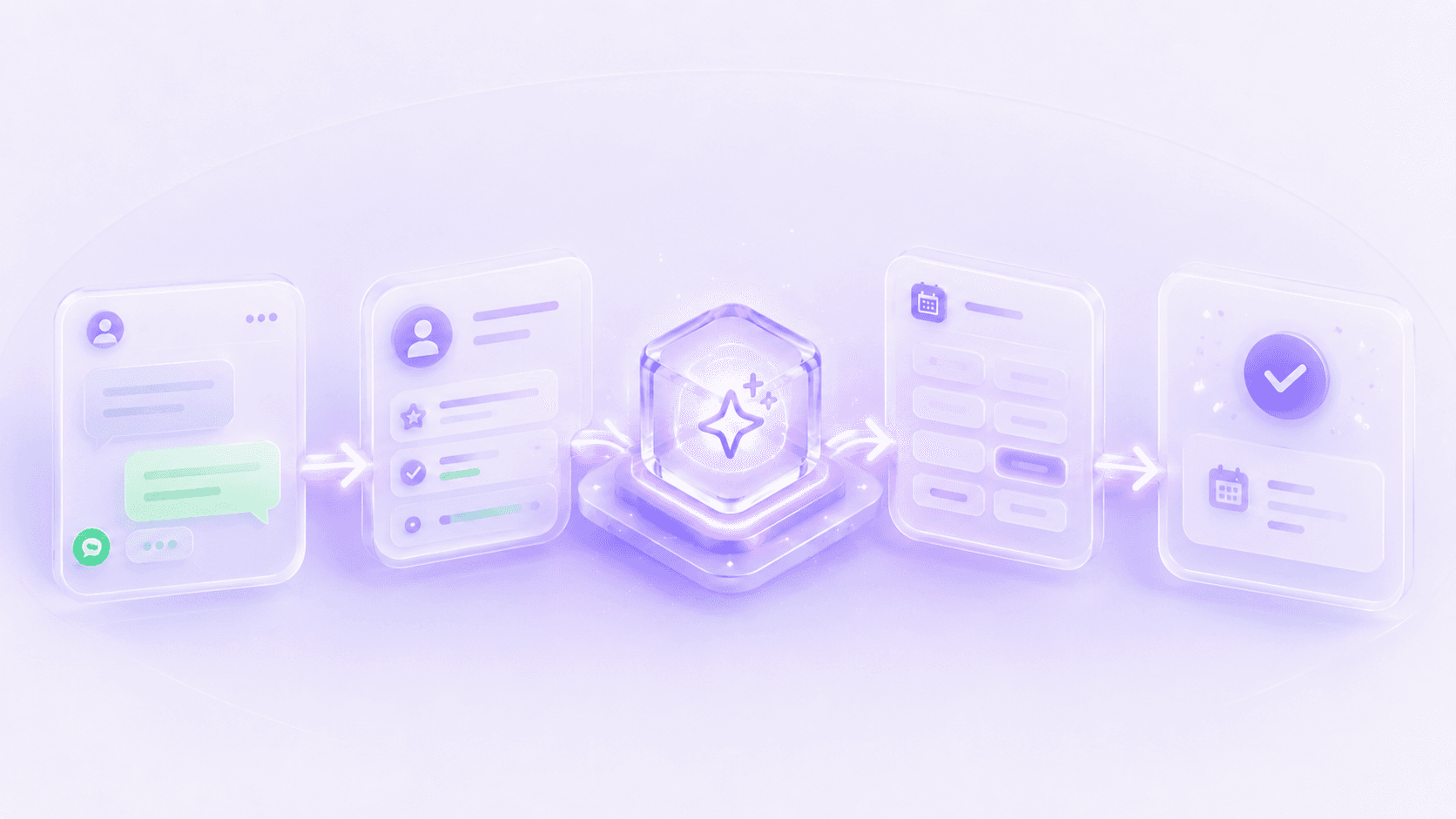
A WhatsApp AI agent closes that gap by treating the conversation as a sequence of small, reliable steps: reply instantly, ask the few questions that matter, read intent, offer real calendar slots, book the meeting, and leave a clean record behind. This article walks through that path end to end.
Why speed-to-lead decides the outcome
Interest is highest in the first minutes after someone reaches out — they're at their desk, the problem is on their mind, and they haven't yet talked to anyone else. The longer a lead waits, the more that intent cools and the more likely they are to commit to whoever responded while you were busy. A WhatsApp agent answers in seconds, on a channel people actually read, at any hour. That single change — being first and being consistent — is what moves a lead from "thinking about it" to a slot on your calendar.
The first five minutes
As a rule of thumb, a reply within five minutes keeps a lead warm; a reply the next morning often arrives after they've already booked elsewhere. The agent removes the question of whether you'll get there in time — it's always there.
The path from lead to booked meeting
It helps to see the whole route before zooming in. Every inbound lead — from a website form, a paid ad, or a click-to-WhatsApp button — flows through the same sequence, and each step hands clean information to the next.
The conversion path
- 1
Inbound lead lands
A form submission, ad lead, or first WhatsApp message triggers the agent. The lead's name and source are captured the moment they arrive.
- 2
Instant WhatsApp reply
Within seconds, a personal opening message goes out in your business's voice — no template stiffness, no "we'll get back to you."
- 3
Qualifying questions
The agent asks the two or three things that actually determine fit — the service needed, timing, and any detail that affects price or routing.
- 4
Intent detection
From the answers, the agent reads whether this is a ready-to-book lead, a price shopper, or someone who needs a human — and adjusts the next move accordingly.
- 5
Offer live slots
For a qualified lead, the agent checks the live calendar and offers real, open times — never a slot that's already taken.
- 6
Book, update, alert
Once a time is chosen, the meeting is booked, the CRM record is updated with the full context, and the right team member gets a notification.
What the conversation actually sounds like
The steps above only matter if the conversation feels natural. Here is a realistic exchange that starts from an ad lead and ends with a meeting on the calendar — qualification, intent, and booking all in one thread.
What changes for your team
Handling leads manually
- First reply takes hours, often the next day
- Leads slip through after hours and on weekends
- Qualifying questions get skipped under pressure
- Booking is a back-and-forth of available times
- CRM updates happen late, if at all
With a WhatsApp agent
- First reply in seconds, any hour
- Every lead is answered, including off-hours
- The same qualifying questions every time
- Live slots offered and confirmed in the chat
- CRM and team alert updated automatically
The point isn't to remove your team from the relationship — it's to hand them warm, qualified meetings with the context already gathered, instead of a pile of cold form fills to chase. The agent does the repetitive front end; people do the part that needs a person.
What happens after the booking
- The CRM record is updated with the lead's answers, source, and meeting time.
- The right team member gets an alert with the full conversation context.
- A reminder is scheduled so the lead actually shows up.
- If a lead goes quiet before booking, the agent follows up at a sensible interval.
- Anything outside the agent's scope is handed to a human cleanly, mid-conversation.
Nothing falls through
Because every conversation writes back to the CRM, you always know which leads were answered, qualified, booked, or still waiting — so follow-up is driven by data, not memory.
See this running on your own leads
We'll map how a WhatsApp agent would handle your inbound flow — the qualifying questions, the booking logic, and how it connects to your calendar and CRM.
Book a consultation