How Clinics Can Automate Appointment Booking With AI
Most clinics lose appointments not because demand is low, but because requests arrive when no one is free to answer. Here is an example workflow that handles booking, qualification, calendar sync, and reminders end to end.
For most clinics and appointment-based providers, the bottleneck isn't getting found — it's getting answered. A patient messages on a Saturday, calls during a treatment, or fills a form at 22:00. By the time someone at the front desk gets back to them, they've already booked elsewhere or simply moved on. The workflow below is an illustrative example — not a specific client — of how an AI agent can close that gap by handling the routine parts of booking while your team stays focused on care.
Where appointments actually leak
Before automating anything, it helps to see the specific moments where a clinic loses appointments. They're rarely dramatic — they're small, repeated, and easy to miss until you add them up at the end of the month.
- Requests that arrive after hours and sit unanswered until the next morning.
- Phone calls that go to voicemail while the desk is with a patient.
- Back-and-forth over available times that drags out for hours.
- Patients who book but never confirm, then quietly don't show up.
- Records updated late or not at all, so the calendar never quite matches reality.
An example end-to-end workflow
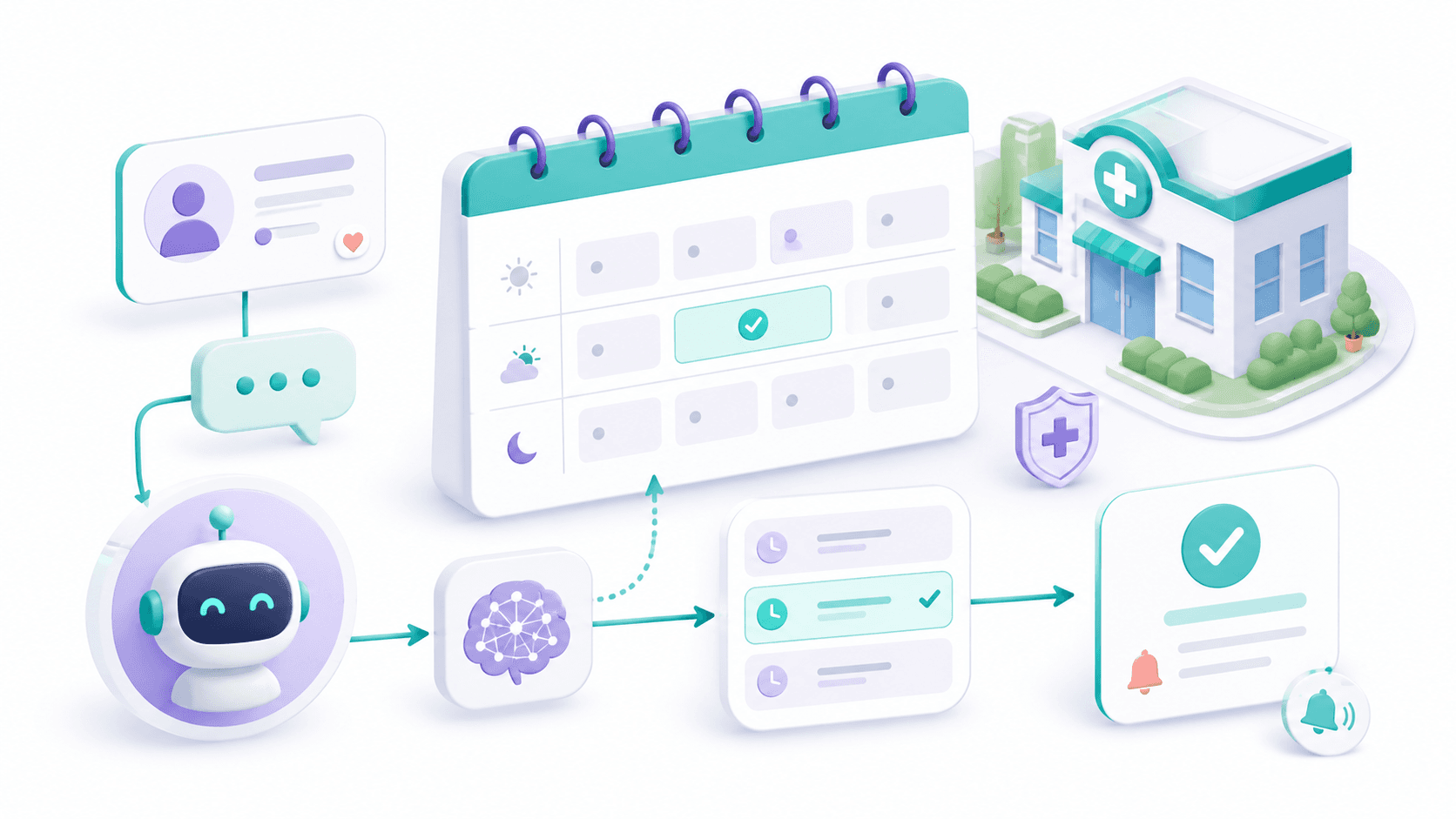
Here is how a booking request can flow when an agent handles it. Each step is something the agent does on its own; a person only steps in for cases that genuinely need judgment — a complex medical question, a special request, or anything outside the clinic's defined rules.
- 1
Receive the request
A message arrives on WhatsApp, the website, or a missed-call follow-up — and gets a reply within seconds, any hour of the day.
- 2
Qualify the need
The agent asks the few questions that matter: type of treatment, whether it's a first visit, and any urgency — enough to route to the right slot.
- 3
Check live availability
It reads the clinic's Google Calendar in real time, respects working hours and buffers, and offers only slots that are genuinely open.
- 4
Book and confirm
Once the patient picks a time, the agent creates the event, sends a confirmation, and avoids double-booking by writing back to the same calendar.
- 5
Update the record
The patient's details, treatment type, and appointment status are written to the CRM so nothing depends on someone remembering to log it.
- 6
Remind and reduce no-shows
A reminder goes out before the appointment with an easy way to confirm or reschedule, so empty chairs turn back into available slots in time to fill them.
The booking flow at a glance
What it looks like in the conversation
On the patient's side it should feel like messaging a helpful receptionist who happens to never be busy. The agent stays in scope, confirms details, and ends the exchange with a real appointment on the calendar.
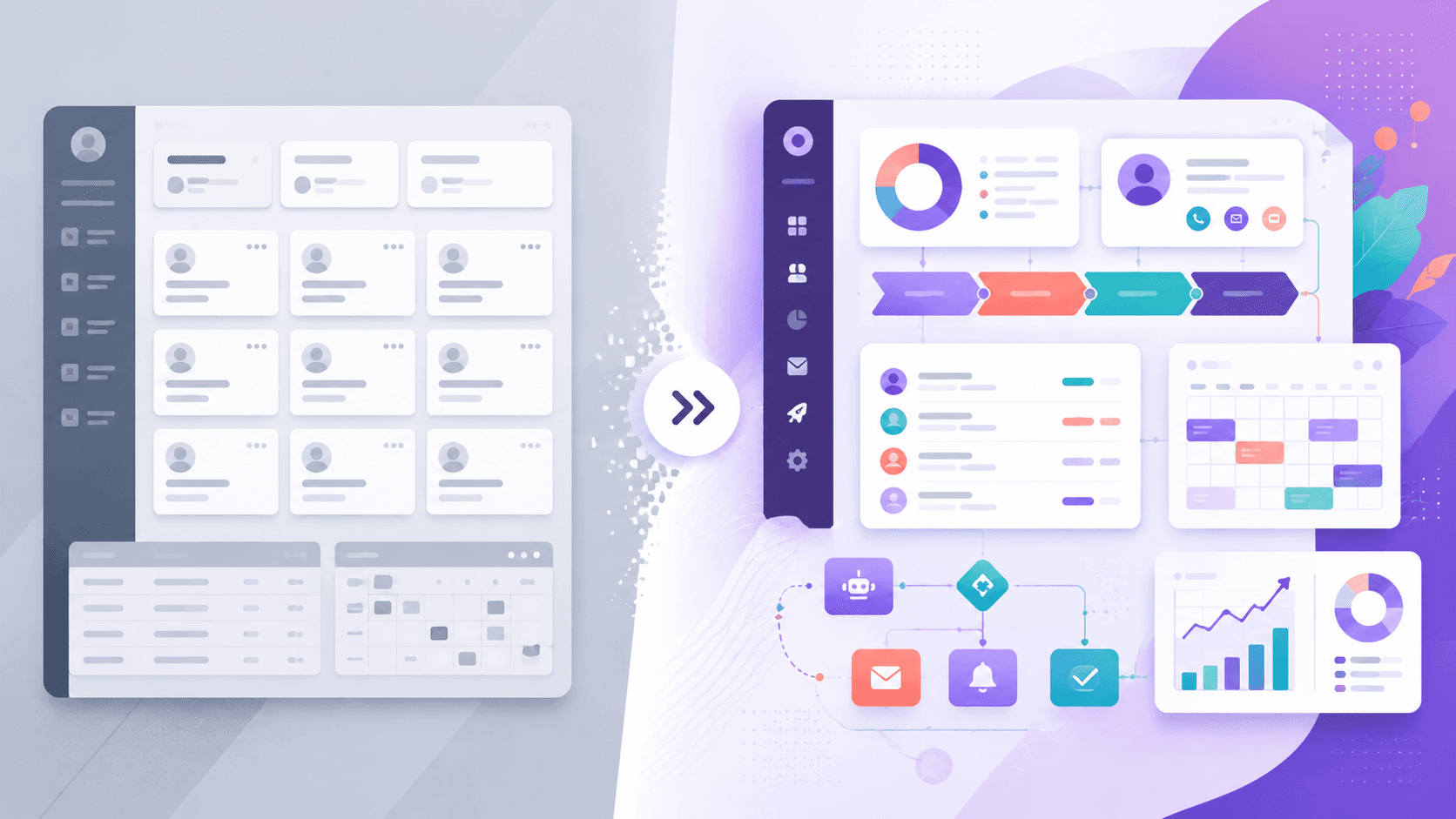
The day-to-day difference
Front desk handles it all
- Replies wait for someone to be free
- Times get offered, then turn out to be taken
- Reminders depend on someone remembering
- Records updated whenever there's a gap
Agent handles the routine
- First reply lands in seconds, around the clock
- Only genuinely open slots are offered
- Reminders go out automatically every time
- Every booking leaves a clean record
Start with the no-show reminder
If you're not sure where to begin, the reminder step often pays back fastest. A clinic carrying, say, a 20% no-show rate is leaving real revenue in empty chairs — and an automatic confirm-or-reschedule message is the simplest piece to add. Treat that figure as illustrative; the point is to measure your own rate first, then watch it move.
None of this replaces clinical judgment or the human side of patient care. It removes the repetitive coordination work that piles up around it — the answering, the scheduling, the chasing — so your team's attention goes where it actually matters.
Curious how this would map to your clinic?
We'll walk through your booking flow, show where appointments leak today, and map a setup that connects to your calendar and records — tailored to how your clinic actually runs.
Book a consultation