Website Voice Agents: When Should You Let Visitors Talk to the Agent?
A website voice agent lets a visitor talk to your agent out loud, right in the browser, and book an appointment by voice. Here is where it earns its keep, and where chat or a human still wins.

Not every website visitor wants to type. Some are on a phone with one hand full, some read slowly, and some just find it faster to say what they need out loud. A website voice agent is software that lets a visitor talk to your agent right on your site, in the browser: they tap to talk, it listens, asks the right questions, and finishes with something done. To be clear about what this is and is not: it does not phone people and it does not answer your phone line. There is no dialer and no outbound calling. The whole conversation happens on your website, in the visitor's browser. The real question isn't whether it can hold a conversation. It can. The question is when voice is genuinely the right channel on your site, and when you'd be better off with a chat message or a person.
Where voice is the right call on your site
Voice shines in a few specific situations, and outside of them a chat agent is usually faster, cheaper, and less intrusive. These are the cases where letting a visitor speak on your site measurably moves the outcome.
- Visitors who would rather talk than type, and often bounce before filling out a form.
- Hands-free moments, where a visitor is mid-task and speaking is simply easier than typing.
- Appointment setting by voice, for audiences that prefer talking over reading a form back.
- After-hours overflow, where no one is at the desk but a visitor still wants an answer now.
- Longer, back-and-forth questions that are quicker to explain out loud than to type in full.
- Accessibility, giving visitors who find typing hard a natural way to reach you.
Voice or chat: how to choose
Most sites don't need to pick one channel forever, they need to match the channel to the moment. As a rule of thumb: offer voice when the visitor would rather talk or has their hands full, and use chat when the answer includes something written, like a price, a link, or a document.
| Situation | Better by voice | Better by chat |
|---|---|---|
| Visitor would rather talk than type | Yes, meet them how they want | No |
| Visitor is mid-task with hands full | Yes, speaking is easier | Only if they can stop to type |
| Sharing prices, links, or documents | No, hard to capture in speech | Yes, written and re-readable |
| After-hours or peak-time overflow | Yes, no one is at the desk | Yes, both cover the gap |
| Emotional, sensitive, or complex case | No, route to a person | No, route to a person |
Here's what an after-hours voice conversation on the site actually sounds like, the kind of visit that would otherwise leave a half-filled form and no booking.
Hi, you're talking with the assistant at Northline Plumbing. How can I help?
Yeah, I've got a leak under the kitchen sink. Can someone come out tomorrow?
Sorry to hear that, we can help. Is it actively dripping, or have you shut off the water for now?
I shut the valve, it's fine for now.
Good call. I have a technician free tomorrow between 9 and 11, or after 2 in the afternoon. Which suits you?
Morning works.
Booked for tomorrow, 9 to 11. I'll send you the confirmation and the technician's name now. Anything else?
What a website voice agent handles end to end
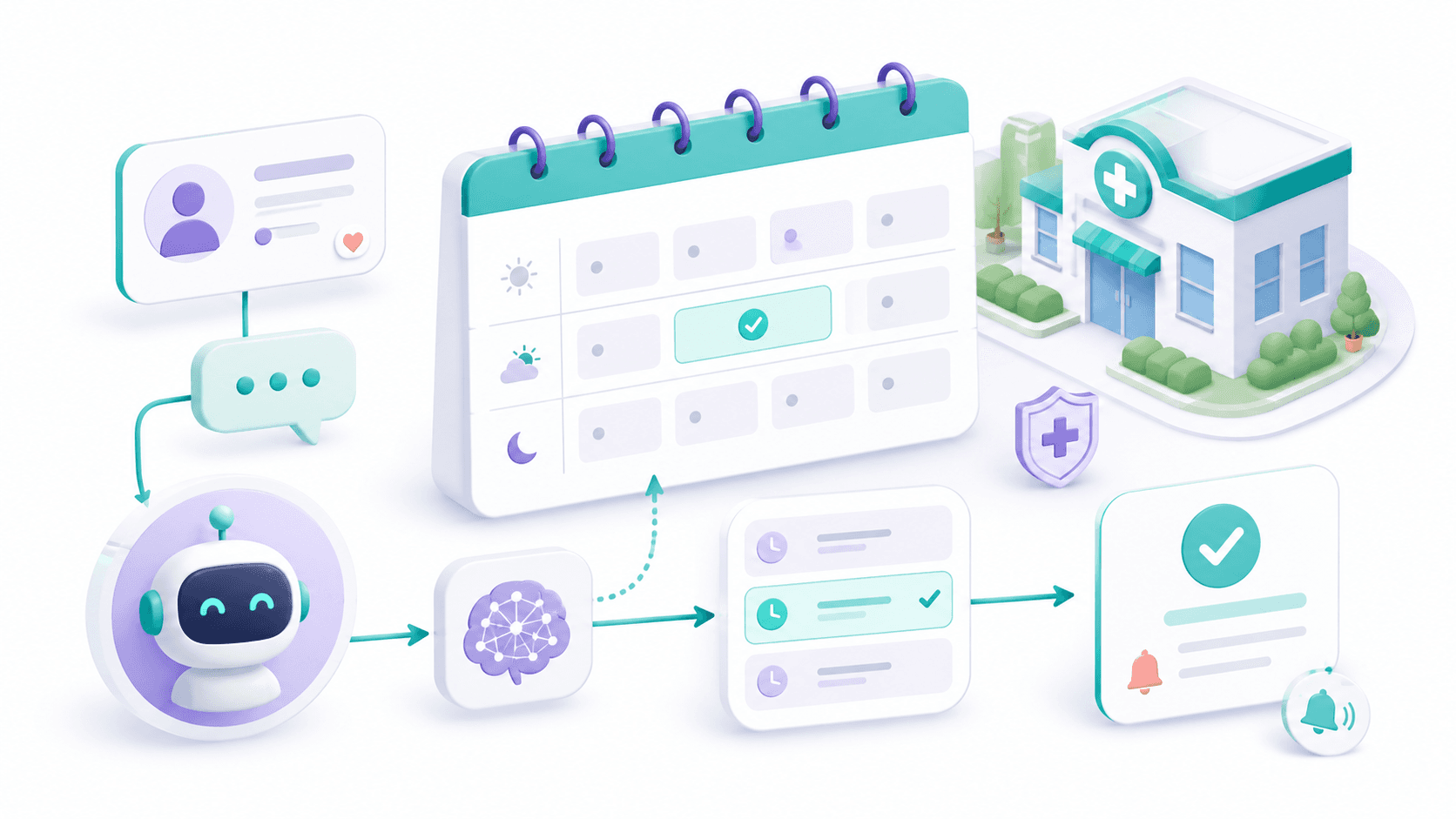
- 1
Start the conversation
The visitor taps to talk on your site, and the agent greets them and starts listening right away, in the browser.
- 2
Understand the request
Listens to free speech, identifies what the visitor needs, and asks a clarifying question instead of guessing.
- 3
Act on it
Checks the live calendar, books a slot, takes the details, or routes urgent or complex cases to a person.
- 4
Log and confirm
Writes the conversation summary to the CRM and sends a written confirmation so nothing rests on memory.
A website voice agent loop
Where a human still wins
Being honest about the limits is what makes voice automation work in practice. A voice agent is built to handle volume and routine, not to replace your best people in the conversations that matter most. Some conversations should reach a person quickly.
- An upset or anxious visitor who needs to feel heard, not processed.
- A high-value negotiation or a non-standard deal that needs judgment.
- A genuine emergency where every second and the right human decision count.
- Anything legally or medically sensitive that demands a qualified person.
Set the handoff rule first
Before you launch, decide exactly when the agent should stop and pass the conversation to a person, by topic, by sentiment, or on request. A clean handoff is what keeps a voice agent helpful instead of frustrating, and it's the line between automation visitors trust and automation they resent.
A good starting point for most service businesses is narrow: let the website voice agent cover after-hours visits and the visitors who would rather talk than type, where the alternative is an abandoned form anyway. Once that's reliable, widen it to more of your booking and FAQ flows. The gains some sites report, fewer abandoned forms, more booked slots, follow from that, but they depend on your traffic and how the agent is set up. Treat them as illustrative, not a promise.
Not sure if voice is right for your site?
We'll look at how visitors reach you today, where they drop off, and whether in-browser voice, a chat agent, or both is the right fit, with a clear handoff plan before anything goes live.
Book a consultation